Corrective Shape Key Accelerator for Blender
A downloadable Blender Add On
Made for Blender 4.3
Export made for Unity 6
Export for Godot scripting functionality work in progress
Installation:
1. Open Blender.
2. Go to Edit > Preferences > Add-ons.
3. Click "Install" and select this .zip file.
4. Enable the add-on by checking the box next to "CorrectiveShapeKeyAccelerator".
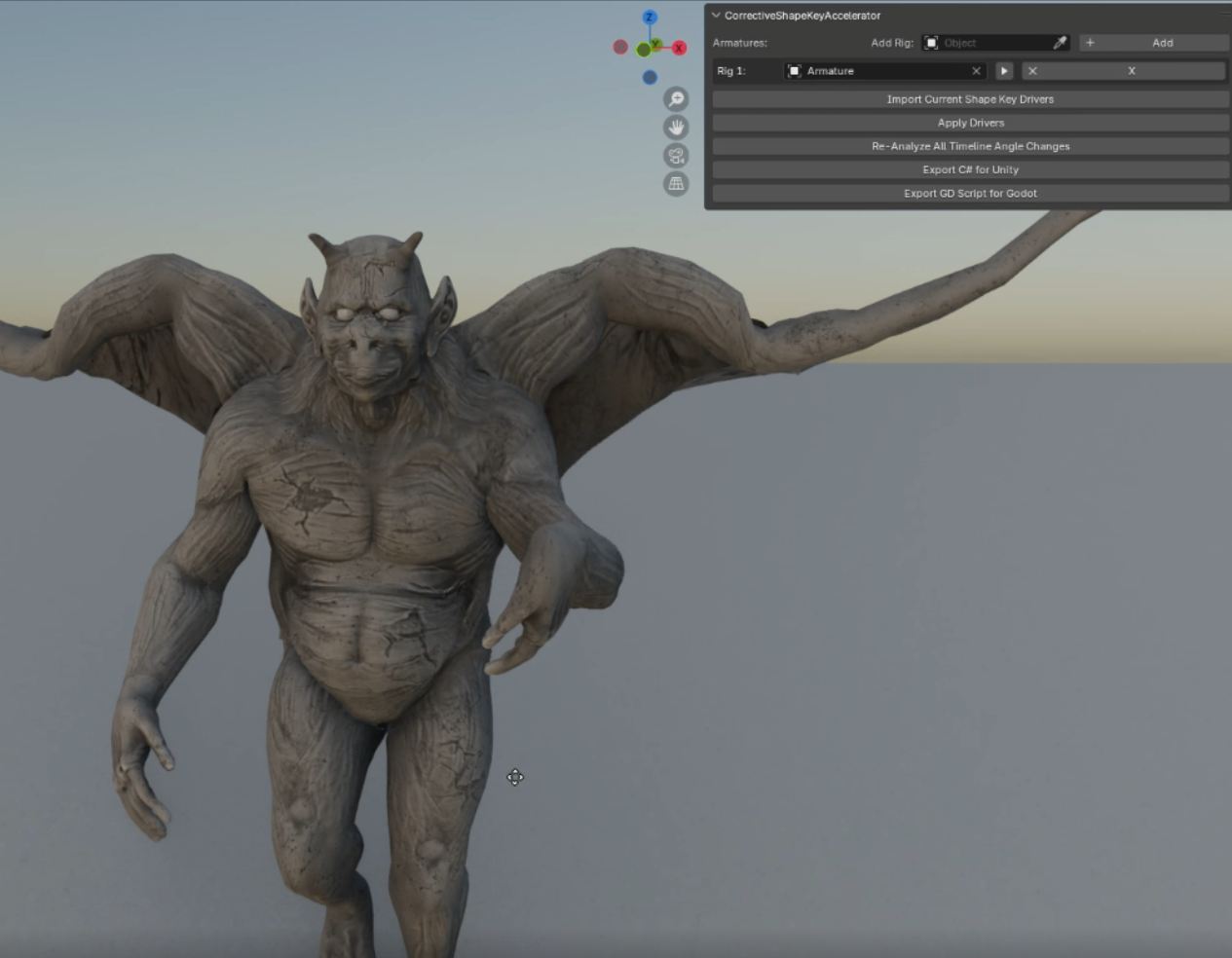
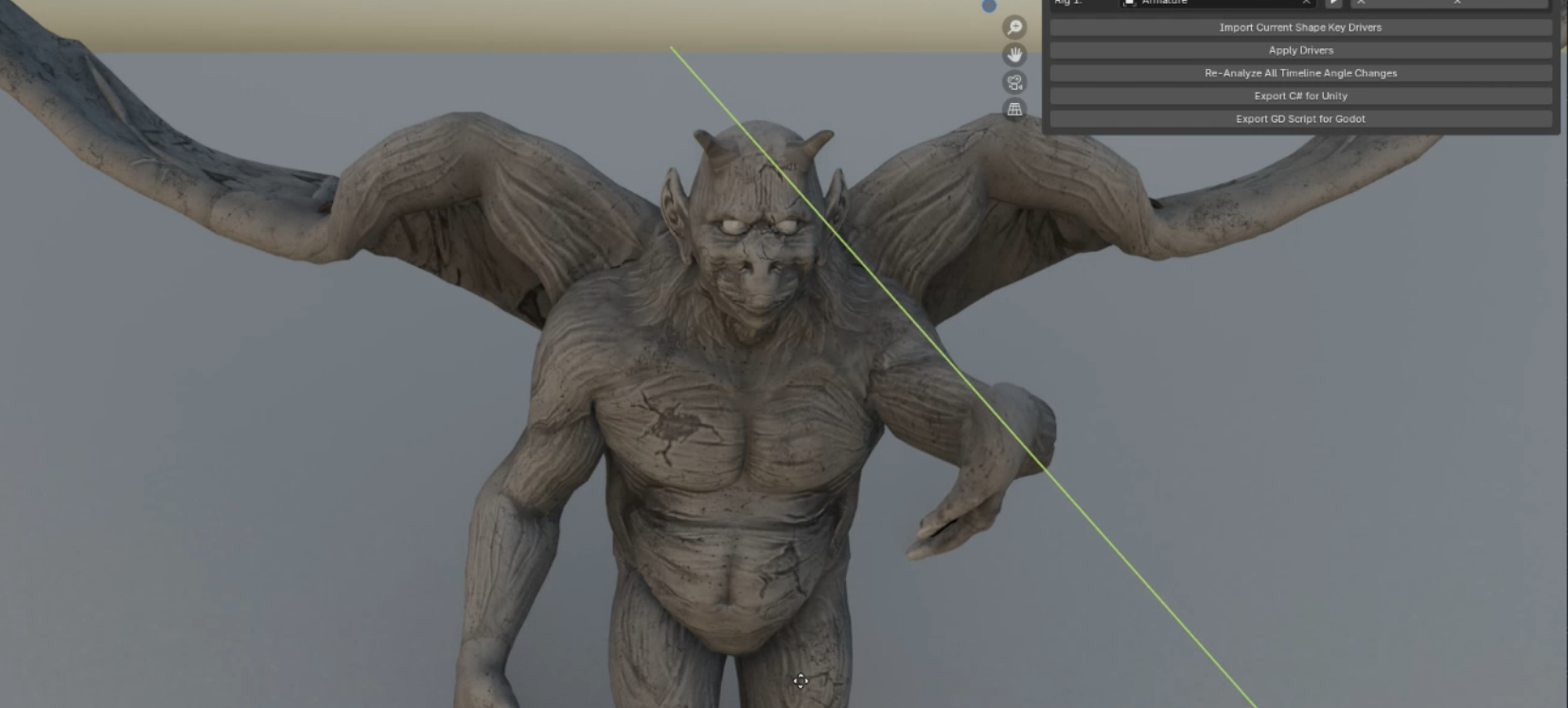
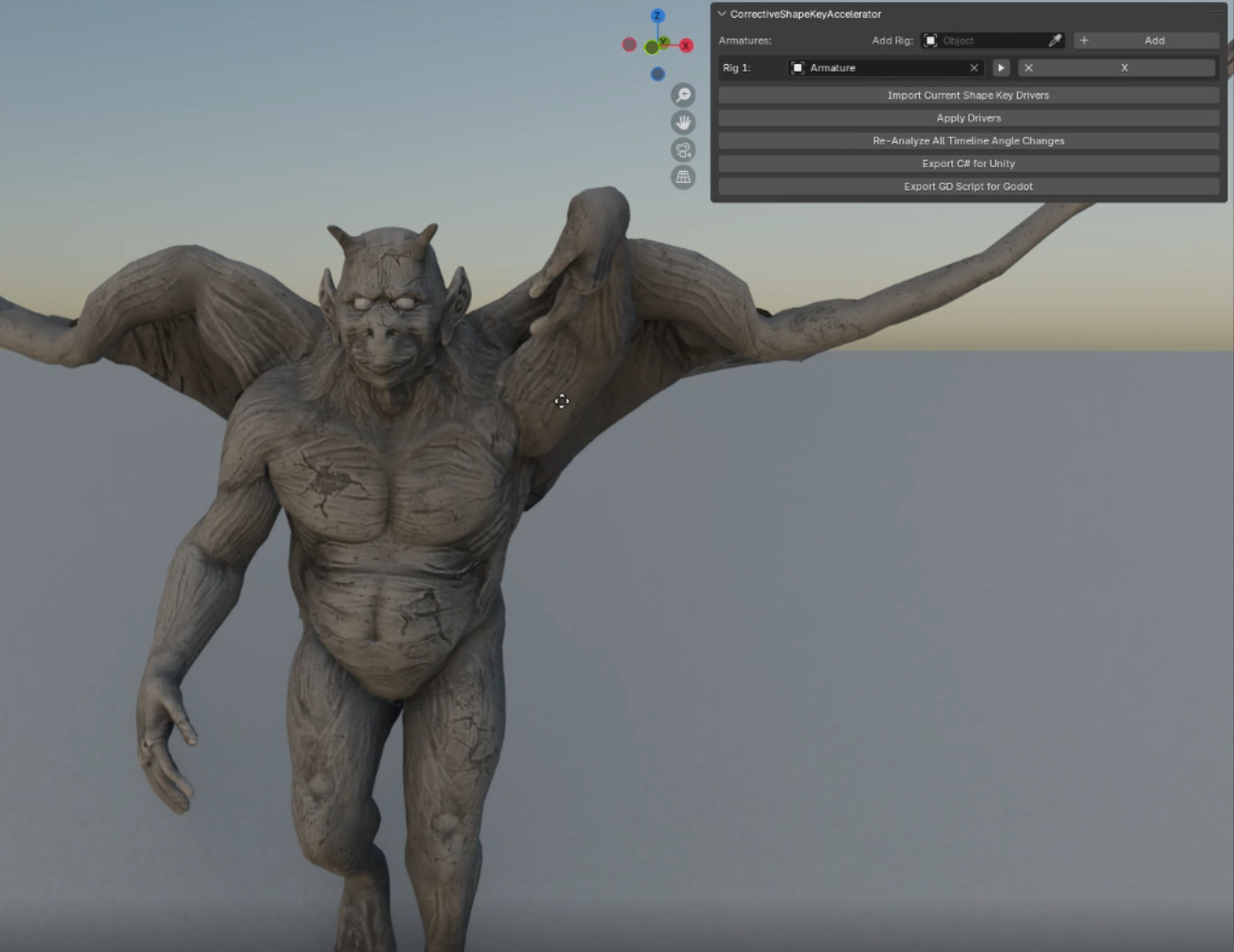
This product aims to streamline the corrective shape key rigging workflow by using and animation and expected angle change analysis to automatically generate shape key drivers!
Export C# driver scripts tailered to your shape key needs as well with a single click!
Make sure you use Euler rotation for your bone axis mode, as I've had mixed results with 4d axis (Quaternion) since it isn't linear.
If your exported C# script is missing a bone name its likely still in the script but has likely been assigned to a shared mapping incorrectly.
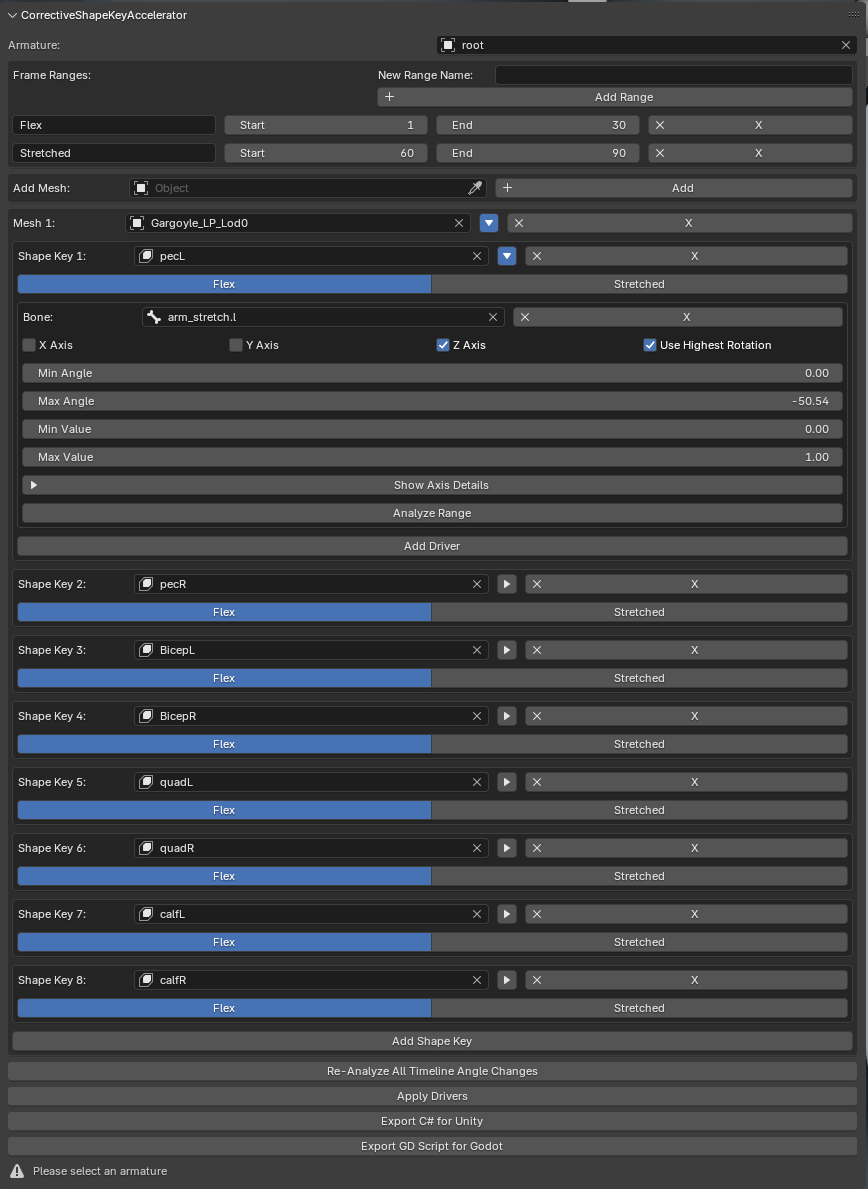
Step 1: Select the rig for your character and choose a mesh (you may add multiple later).
Step 2: Choose a frame range from your time line and name it, this is meant for an action you make for this purpose. (you may add multiple too choose from).
Step 3: Choose one of your shape keys (you may add multiple per mesh) and one of your named frame ranges.
Step 4: Add a driver calculated for a bone you assign provided its part of the mesh you chose.
Step 5: You may choose the axis and angle change to expect from your driver to change the 0 to 1 value of your shape key or you can toggle "Use Highest Rotation" and click "Analyze Range" which will find the best fit per your drivers needs based on the animation analysis timeline range that you chose.
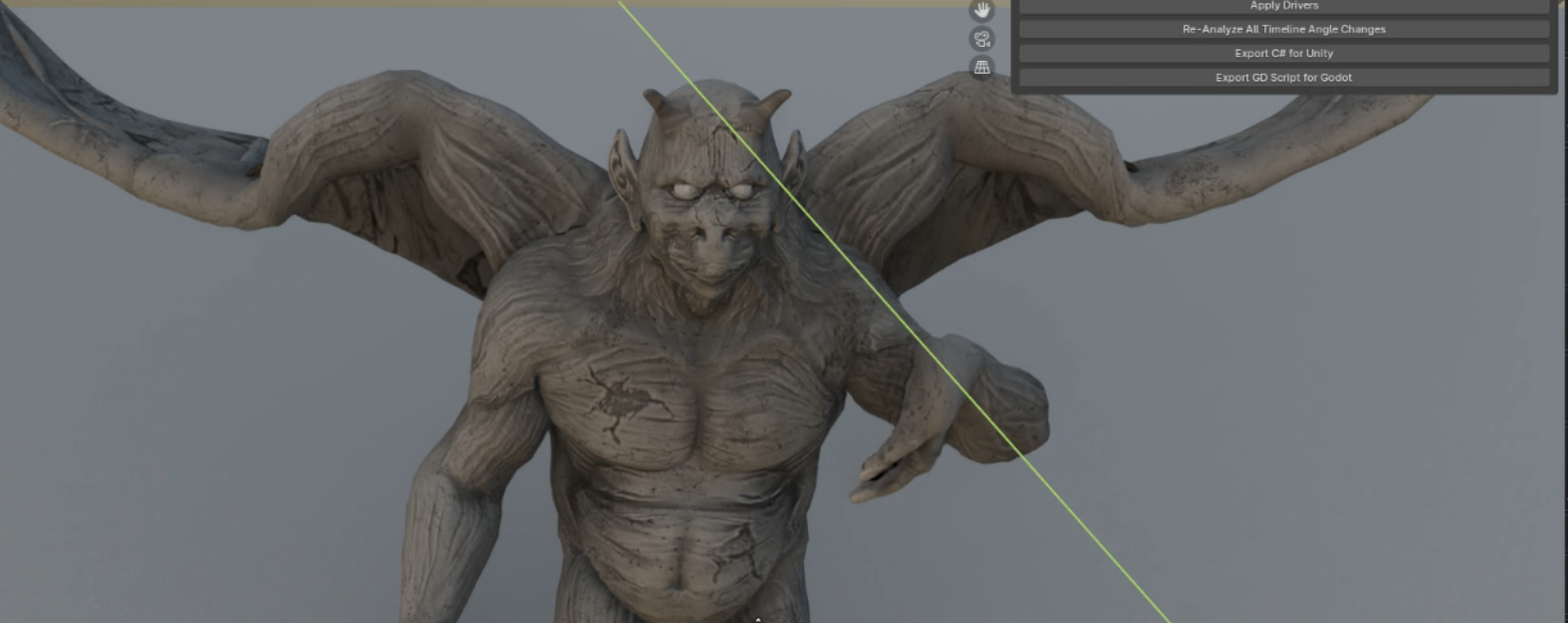
Step 6: animate you character from their neutral stance (start of your frame range) into a pose that should have their muscles or other deformation at 1 or "flexed" (end of frame range).
Step 7: Click Apply Drivers
Step 8: Click Export C# for Unity and choose a destination folder
Step 9: After exporting your character which should include your blend shapes and any animations you want via normal blender export,
simply drag the generated .cs file into your unity. Proceed to add the script to your fbx on any of the skinned meshes possessing the shape keys for your character.
Step 10: copy the property path from the script's bone variables and search one by one in the inspector assigning them. Keep in mind that periods "." are not valid in variable names so they are replaced by under scores (_). I suspect most future syntax errors will be from this sort of problem if you get this far.
You're done! Now your character will have corrective shape key mesh deformation and it wasn't as painful as it could have been.
______________________________________________________________________________________________________
"Licensed under the GNU General Public License (GPL) v2 or later. Allows commercial use and resale of assets created with the add-on. The software itself may be freely redistributed or modified by users under the same GPL terms, with source code provided."
Download
Click download now to get access to the following files:
Leave a comment
Log in with itch.io to leave a comment.